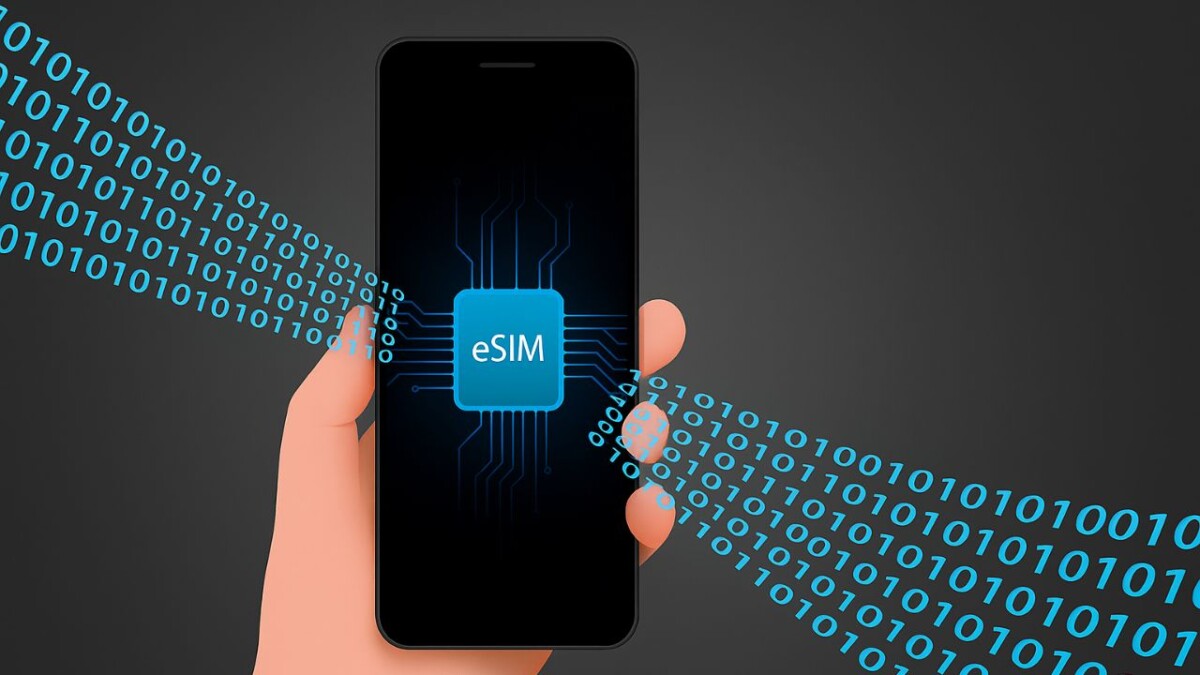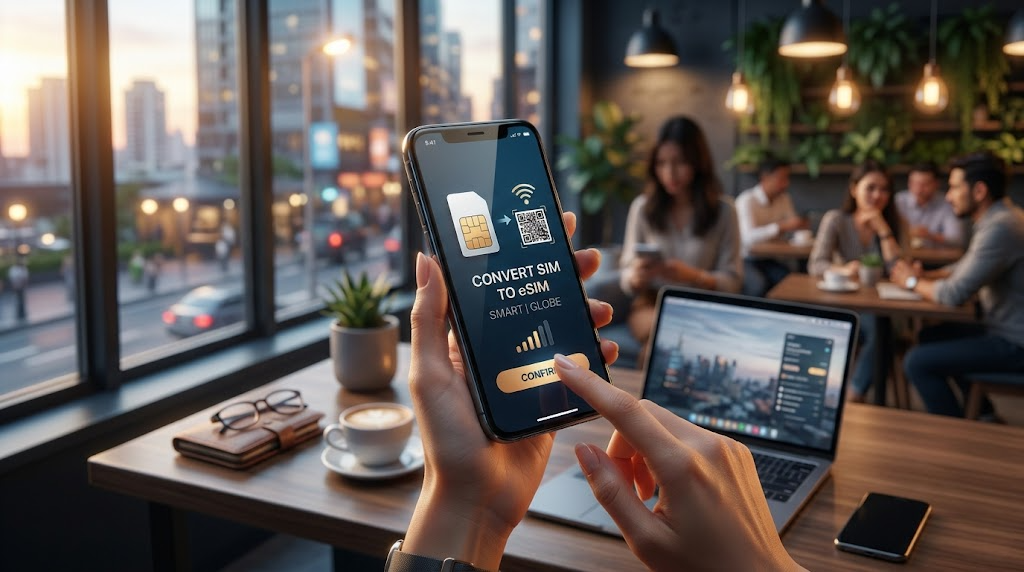
Let’s be real: carrying around that tiny piece of plastic—and the dreaded SIM ejector tool—is starting to feel a bit “2010.”
If you’ve recently upgraded to a flagship iPhone, a Samsung Galaxy S-series, or even the latest Pixels, you’re likely sitting on a powerhouse feature you haven’t used yet: the eSIM. In the Philippines, the shift from physical SIMs to digital ones is finally hitting its stride, and honestly? It’s about time.
Whether you want to free up your physical slot for a travel SIM or you just want the peace of mind that a thief can’t “pop out” your SIM to bypass security, switching to an eSIM is a total pro-move. But how do you actually do it without spending a whole day at the mall? Let’s dive into the nitty-gritty of converting your Smart or Globe SIM.
At a Glance: Is your phone ready?
Before we start, check these three things. If one of these is a “No,” the eSIM dream might have to wait.
- ✅ Device Compatibility: iPhone XS/XR or newer, Samsung S20 or newer, Z Flip/Fold series.
- ✅ Network Lock: If your phone is from a plan (e.g., Globe Plan), it must be locked to that specific network or open-line.
- ✅ Active Signal: Your physical SIM must be active and receiving texts to verify the switch.

1. Smart Communications: The Digital Pioneer
Smart has been quite aggressive with their eSIM rollout, especially for prepaid users. They were the first to offer a digital-only purchase path, which is a huge win for convenience.
How to convert (Prepaid & Postpaid)
For Prepaid: Currently, Smart allows you to buy a “Prepaid eSIM” directly from their online store. But if you want to keep your existing number, the process is slightly different.
- Visit a Smart Store: Sadly, for existing physical-to-eSIM conversions (keeping your number), you still need to show up in person for security verification.
- Bring ID: Bring one valid government ID and your physical SIM card.
- The QR Code: They will process your request and hand you a printed card with a unique QR code. Do not lose this! This is your digital SIM.
- Scan and Go: Go to your phone’s Settings > Cellular > Add eSIM, then scan that QR code.
Note: Postpaid users can often request this via the Smart Gigalife app or by calling *888, but a store visit is still the most foolproof method.
2. Globe Telecom: The App-Centric Approach
Globe has made things a bit more “modern” for their postpaid subscribers. If you’re on a Globe Postpaid plan, you can actually do most of this without leaving your couch.
The GlobeOne App Method
This is arguably the smoothest way to transition if you’re a Postpaid user:
- Open the GlobeOne App.
- Navigate to “Help” or “Lifestyle” (this menu shifts occasionally, so use the search bar if needed).
- Look for “Request for eSIM.”
- Follow the prompts to verify your identity. Globe will email you the QR code once approved.
For Globe Prepaid: It’s a bit trickier. While Globe launched the Prepaid eSIM, converting an existing prepaid number from physical to eSIM is currently being rolled out in phases. Most users still report needing to visit a Globe Store to ensure the registration details match perfectly.
Smart vs. Globe eSIM Experience
| Feature | Smart | Globe |
|---|---|---|
| New eSIM Purchase | Online (Digital Delivery) | Online / GlobeOne App |
| Conversion (Existing No.) | Mainly In-Store | GlobeOne App (Postpaid) |
| Cost | ~P99 for New Prepaid | ~P99 for New Prepaid |
The Pros 🚀
- Multiple numbers on one device.
- Enhanced security (SIM can’t be stolen).
- Instant switching between networks.
- Space-saving for travelers.
The Cons ⚠️
- Harder to switch phones quickly.
- Limited to higher-end devices.
- QR codes can be tricky to manage.
- If phone dies, you can’t just “swap” the SIM.
“Honestly, the best part isn’t the tech itself—it’s the travel. When I went to Japan last month, I just kept my Globe eSIM active for texts and used the empty physical slot for a local data SIM. No more losing those tiny SIM cards in my wallet!”— Tech Blogger’s Perspective
eSIM Utility Score
Frequently Asked Questions
Q: Can I use my eSIM on two different phones at once?
A: No. Just like a physical SIM, an eSIM is tied to one device at a time. To move it, you usually have to delete it from the old phone and scan the QR again on the new one (check with your telco first!).
Q: What happens if I reset my phone?
A: When resetting, your phone will ask if you want to keep or delete your “Data Plans.” If you choose to keep them, your eSIM stays active!
Q: Is the signal better with an eSIM?
A: Performance is identical. It uses the same antennas and network bands as your physical SIM.
The Verdict: Should you switch?
If you have a compatible phone, yes, do it today. The initial trip to the store (if required) is a small price to pay for the flexibility of having a dual-SIM setup without the bulk. It’s safer, sleeker, and definitely the future of Philippine telcos.
Published on Diomz.com • Your source for Pinoy Tech & Lifestyle.
Disclaimer: Images used in this article are for illustrative purposes only. All photos belong to their respective owners. If you are the copyright holder of any image and wish to request removal or credit update, please contact us.